
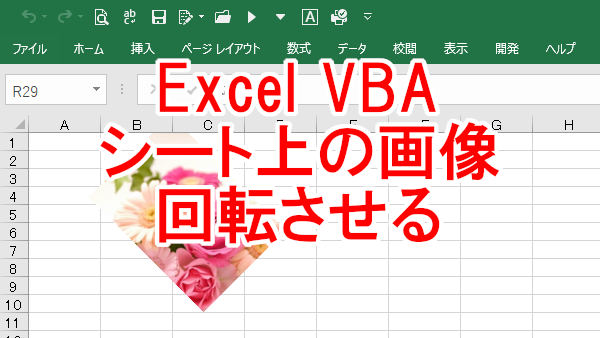
Excel VBAでシート上にある画像(オートシェイプ)を右や左に回転させる記録です。
画像を回転さえるには「Rotation」プロパティを使います。
< スポンサーリンク >
画像(オートシェイプ)を回転する例
右へ回転させるには正の数値を設定し、左へ回転させるには負の数値を設定します。
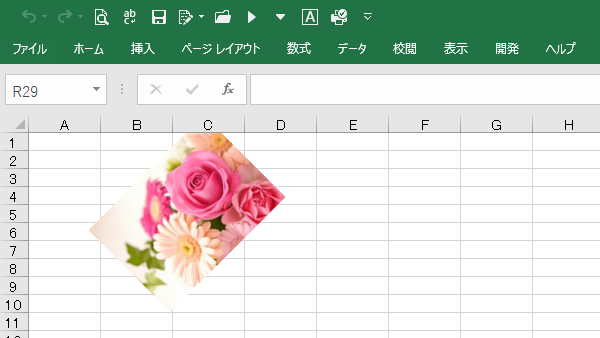
画像を右に45度回転させます。
Sub test()
    Dim shp As Shape
    Set shp = ActiveSheet.Shapes(1)

    With shp
        .Rotation = 45
    End With
End Sub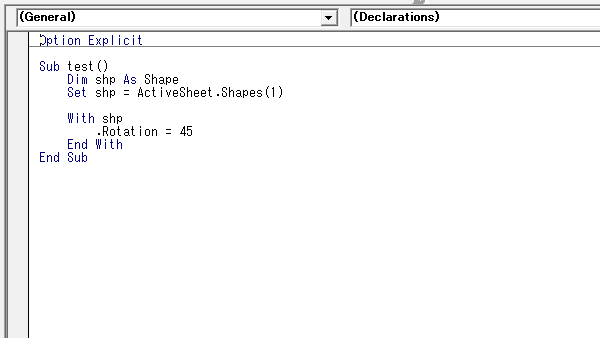
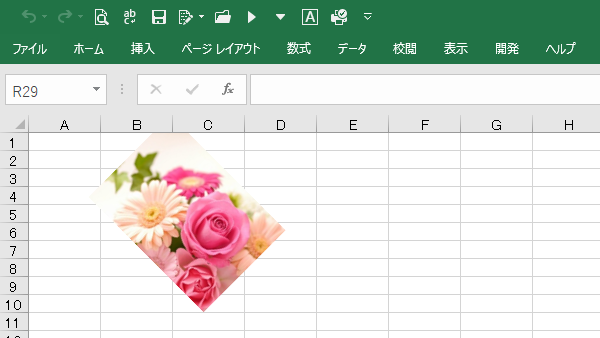
画像を左に45度回転させます。
Sub test()
    Dim shp As Shape
    Set shp = ActiveSheet.Shapes(1)

    With shp
        .Rotation = -45
    End With
End Sub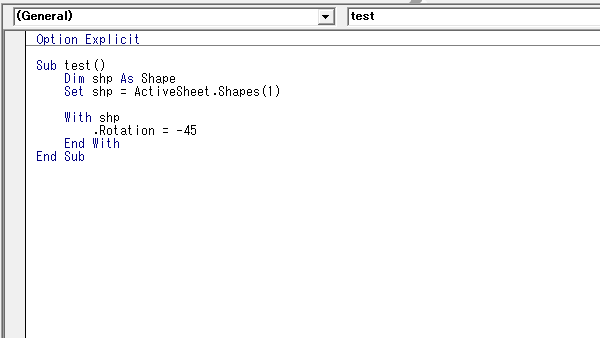
こんな記事も書いています