
Excel VBAでセルの罫線の太さを変更するには、「Weight」プロパティを使います。
下図はExcel2016です。
< スポンサーリンク >
「Weight」構文
オブジェクト.Weight
罫線の太さを表すxlborderweight値を設定または取得します。
xlborderweight
| 名前 | 説明 |
|---|---|
| xlHairline | 細線(最も細い罫線) |
| xlMedium | 普通 |
| xlThick | 太線(最も太い罫線) |
| xlThin | 極細 |
VBAで罫線の太さを変更する例
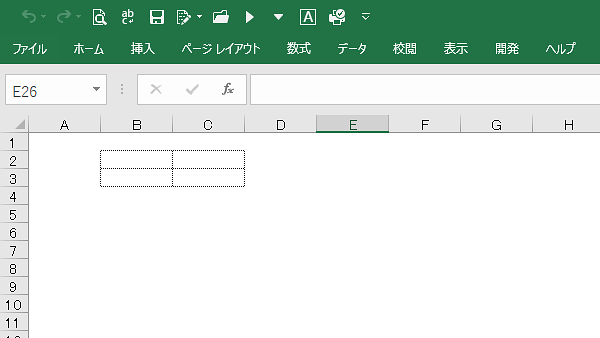
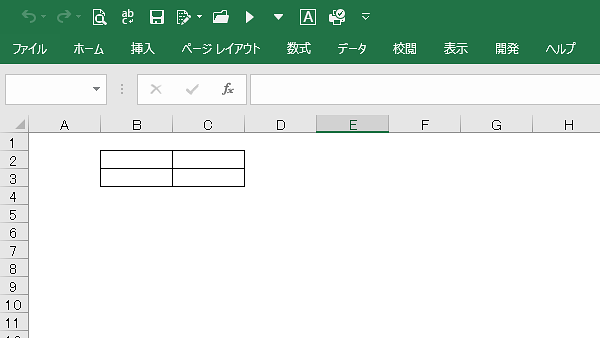
B2からC3のセルの罫線の太さを変更してみます。
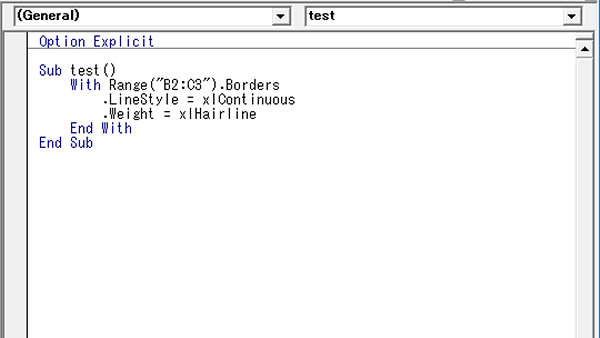
細線
Sub test()
With Range(“B2:C3”).Borders
.LineStyle = xlContinuous
.Weight = xlHairline
End With
End Sub
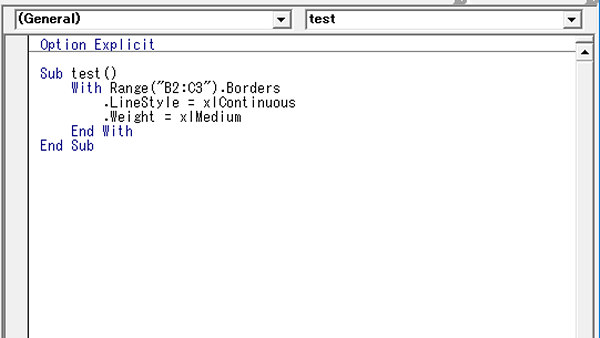
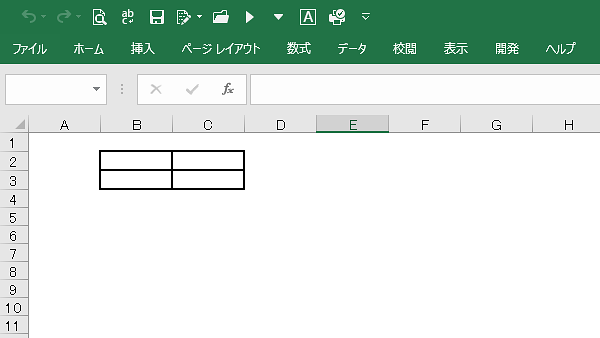
普通
Sub test()
With Range(“B2:C3”).Borders
.LineStyle = xlContinuous
.Weight = xlMedium
End With
End Sub
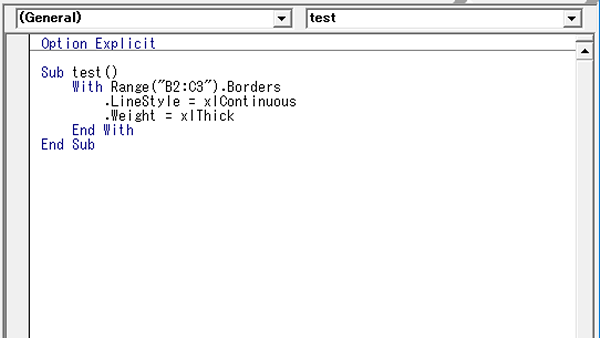
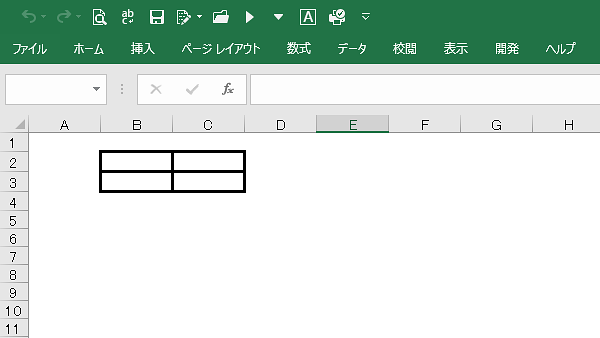
太線
Sub test()
With Range(“B2:C3”).Borders
.LineStyle = xlContinuous
.Weight = xlThick
End With
End Sub
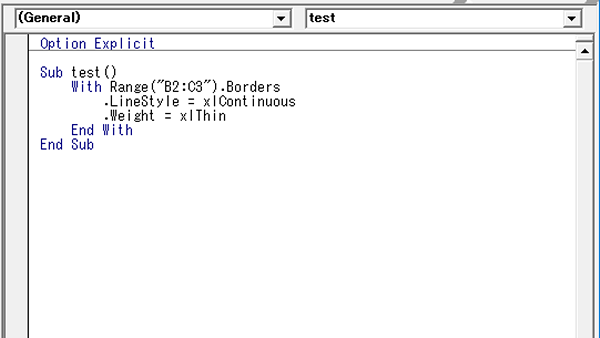
極細
Sub test()
With Range(“B2:C3”).Borders
.LineStyle = xlContinuous
.Weight = xlThin
End With
End Sub
こんな記事も書いています