
本文由日文译成中文。
这是使用 Excel VBA 获取工作表中与图像或形状(自动形状)接触的左上角单元格的记录。
使用 “TopLeftCell ”属性获取左上角单元格。
< Sponsored Links >
获取图像或形状边框左上角单元格的示例
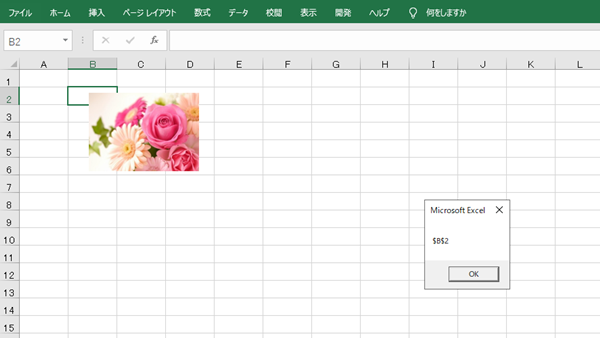
尝试获取触及图像或形状的左上角单元格,并显示信息。
Sub test()
    Dim shp As Shape
    Set shp = ActiveSheet.Shapes(1)

    With shp
        MsgBox .TopLeftCell.Top
    End With
End Sub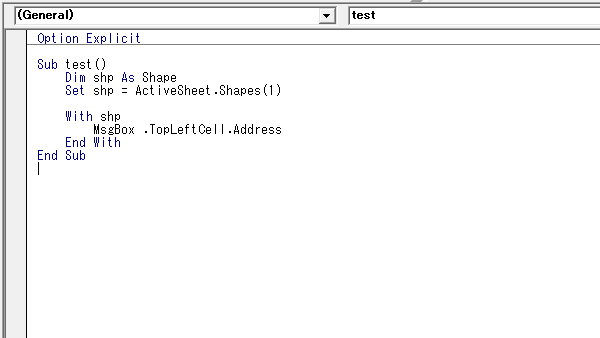
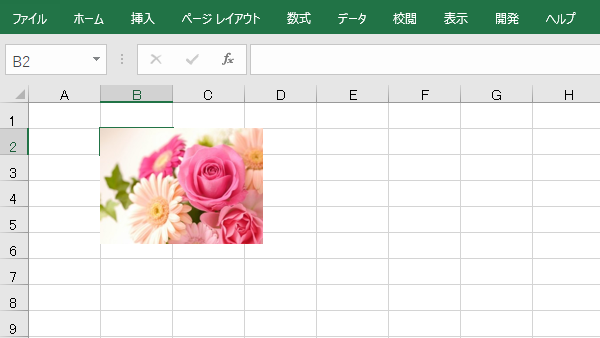
将图像对齐到所接触单元格的左上角位置,以及单元格的左侧位置。
Sub test()
    Dim shp As Shape
    Set shp = ActiveSheet.Shapes(1)

    With shp
        .Top = .TopLeftCell.Top
        .Left = .TopLeftCell.Left
    End With
End Sub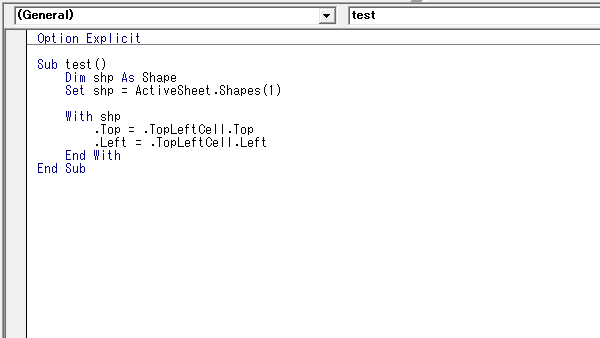
< Sponsored Links >